
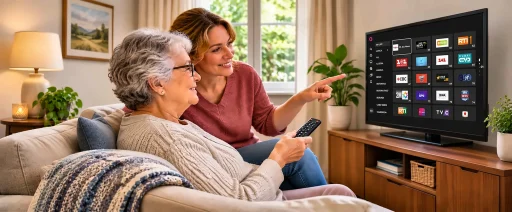
Free TV for Seniors: How to Set Up an Easy Live TV App for Parents
Every December, a lot of adult children walk into their parents’ house and get handed the remote before they’ve taken their coat off. The cable bill went up again, the old box stopped working, or Mom just wants the evening news from home in her own language. Good TV for seniors comes down to two things: channels that start playing when the TV turns on, and no new monthly bill to keep track of. A free live TV app on a device your parents already own covers both, and setting it up fits comfortably into a holiday visit.
What Older Viewers Need From TV Today
Older adults are already streaming. According to AARP’s 2026 Tech Trends research, 87% of adults aged 50 and older use some kind of streaming entertainment, and AARP’s 2025 report found that 78% own a smart TV. Nielsen data reported by Tubefilter shows viewers aged 65 and older nearly doubled the time they spend watching YouTube on TV in two years.
So the hardware is usually in the living room already. What gets in the way is everything around it: a dozen apps with different layouts and passwords nobody wrote down. Subscriptions that renew quietly add up fast on a fixed income. Most older viewers want something closer to the TV they grew up with. They press a button and a channel comes on. The screen looks the same tomorrow as it did today.
Why Free Live TV Works Well for Seniors
No subscription, no bills
Free ad-supported TV works the way broadcast television always has. Commercial breaks pay for the programming, so there is no monthly charge and no card on file. Nothing needs cancelling later, either. For parents who are careful about money, removing the bill also removes the worry that they are paying for something they don’t use. If the household is dropping cable entirely, our guide on how to watch TV without cable covers antennas and the other pieces worth setting up at the same time.
Live TV that feels like traditional TV
On-demand libraries ask viewers to choose from thousands of options, which can feel like homework at the end of a long day. Live channels are simpler. Something is already on, and flipping between channels feels familiar to anyone who grew up with a remote.
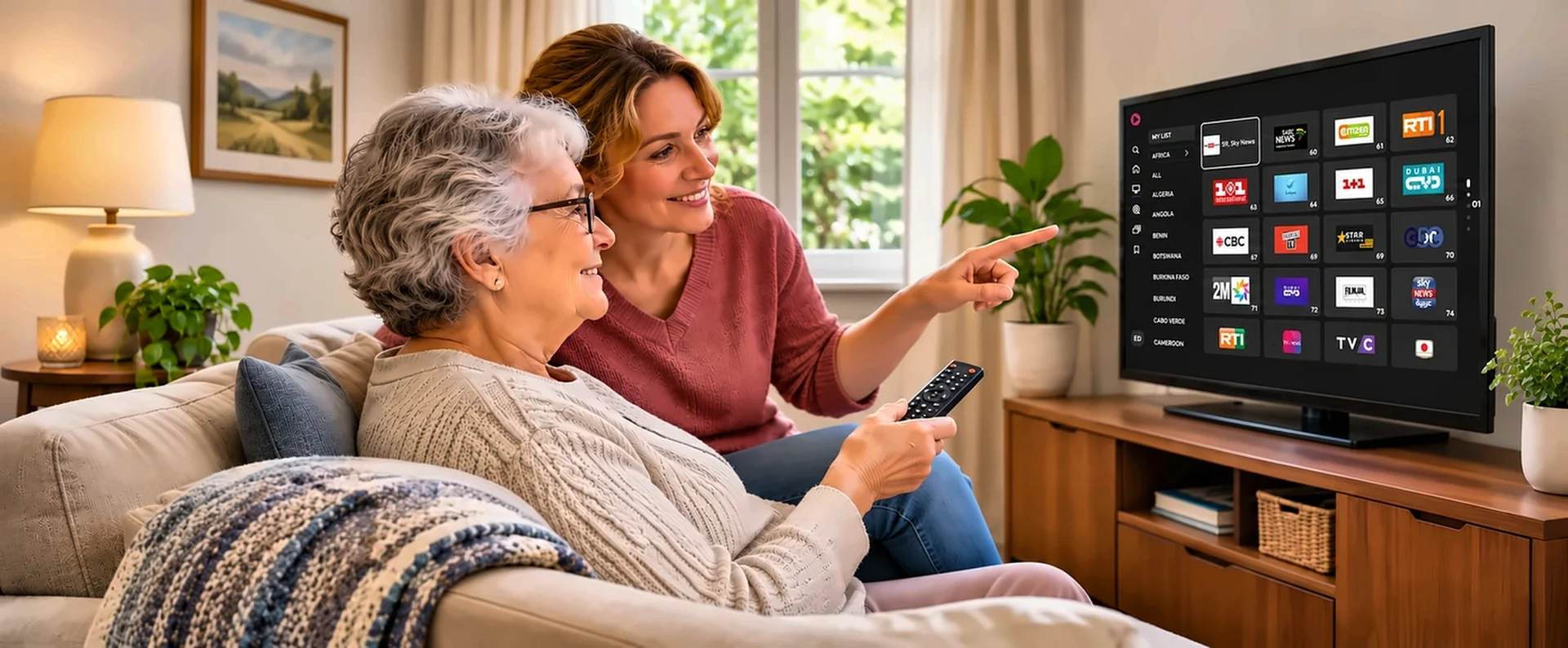
This is where UVOtv is a practical choice for many families. It’s a free app with 700+ live TV channels from regions including India, Africa, the Arab world, Latin America and Europe, along with on-demand films. Channels are grouped by region, so a parent can go straight to programming from home instead of scrolling past hundreds of unfamiliar ones. Viewers can start watching without a paid subscription.
How to Choose a Simple Device: Smart TV, Streaming Stick or Tablet
The best device for an elderly parent is usually the one they already use. A new gadget means a new remote and a new menu to learn, which is often the part that frustrates people.
- Smart TV: if your parents already have a recent smart TV, install the app directly and skip extra hardware. Our step-by-step guide covers how to watch live TV on LG Smart TV.
- Streaming stick: for an older TV with an HDMI port, a streaming stick adds apps for a modest one-time price. UVOtv is available on Amazon Fire TV, Roku and Apple TV, and the guide to watching live TV on Amazon Fire TV walks through the whole Firestick setup.
- Tablet or phone: some parents watch in the kitchen or before bed rather than in the living room. The UVOtv app is available for iPhone, iPad and Android devices.
If you’re buying a streaming stick as a holiday gift, pick one with a simple remote and plug it in before you leave, so the first time your parents use it, you’re in the room.
Tips for Helping Older Relatives Watch TV in Their Own Language
For many parents and grandparents, the language matters more than any device. A news bulletin or a music show in Spanish, Hindi, Punjabi, Arabic or Ukrainian can make a TV feel like home. On UVOtv, the fastest route is to browse by region, then save the few channels your parents return to so they don’t need to search each time. Programming in each language varies by region, so check what’s available together during the visit.
Many TVs also have caption and text-size options in their own settings menu. If your parents find the screen hard to read, check the TV’s accessibility settings while you’re there.
Helping remotely by phone
After the visit, problems usually start with “the TV is doing something strange.” A few habits make remote help much easier:
- Take a photo of each screen during setup, especially the home screen and the input menu, so you can describe exactly what they should see.
- Ask your parents to read the words on the screen aloud word for word.
- If they’re comfortable with video calls, ask them to point the phone camera at the TV.
When something stops working, turning the device off at the plug for a minute and back on solves more problems than anyone would like to admit.
Half an hour of setup during a visit leaves your parents with something familiar to switch on after you’ve gone home.
FAQ
What is the easiest way for seniors to watch TV without cable?
A free ad-supported live TV app on a smart TV or streaming stick works much like traditional channels, with no subscription or monthly bill. Put the app first on the home screen so it’s always one press away.
Do seniors need an account to watch free live TV?
Not always. Many free services, including UVOtv, let viewers start watching without paying. The streaming device itself may ask for a free account during setup, so check each app’s sign-up options when you install it.
Can older relatives watch TV in their native language for free?
Yes. Free platforms such as UVOtv offer live TV in languages including Spanish, Hindi, Punjabi, Arabic and Ukrainian, so parents can watch familiar programming at home in the United States and Canada.
What device is best for an elderly parent?
The one they already know. A smart TV with the app installed on the home screen is usually simplest, with a streaming stick as an easy alternative for older TVs.